Golden Sunset Background AI Photo Edit 2026
PROMPT
Use the uploaded image as the exact reference. Preserve the subject exactly as in the original image. Keep the same face, skin tone, hairstyle, facial expression, clothing colors, body proportions, pose, shoes, hands, lighting on the subject, camera angle, framing, composition, and every visible detail exactly unchanged. Do NOT recolor, relight, retouch, beautify, or modify the person in any way. Only transform the background into a breathtaking cinematic golden sunset landscape. Replace the dull sky with dramatic orange and golden clouds, a glowing sun near the horizon, soft volumetric light rays, warm atmospheric haze, and rich sunset colors. Apply the sunset effect ONLY to the background while blending it naturally with the original subject. The person should remain identical to the original photo with the exact same colors and appearance. Ultra-realistic, photorealistic, DSLR quality, HDR, natural blending, 8K.
Description
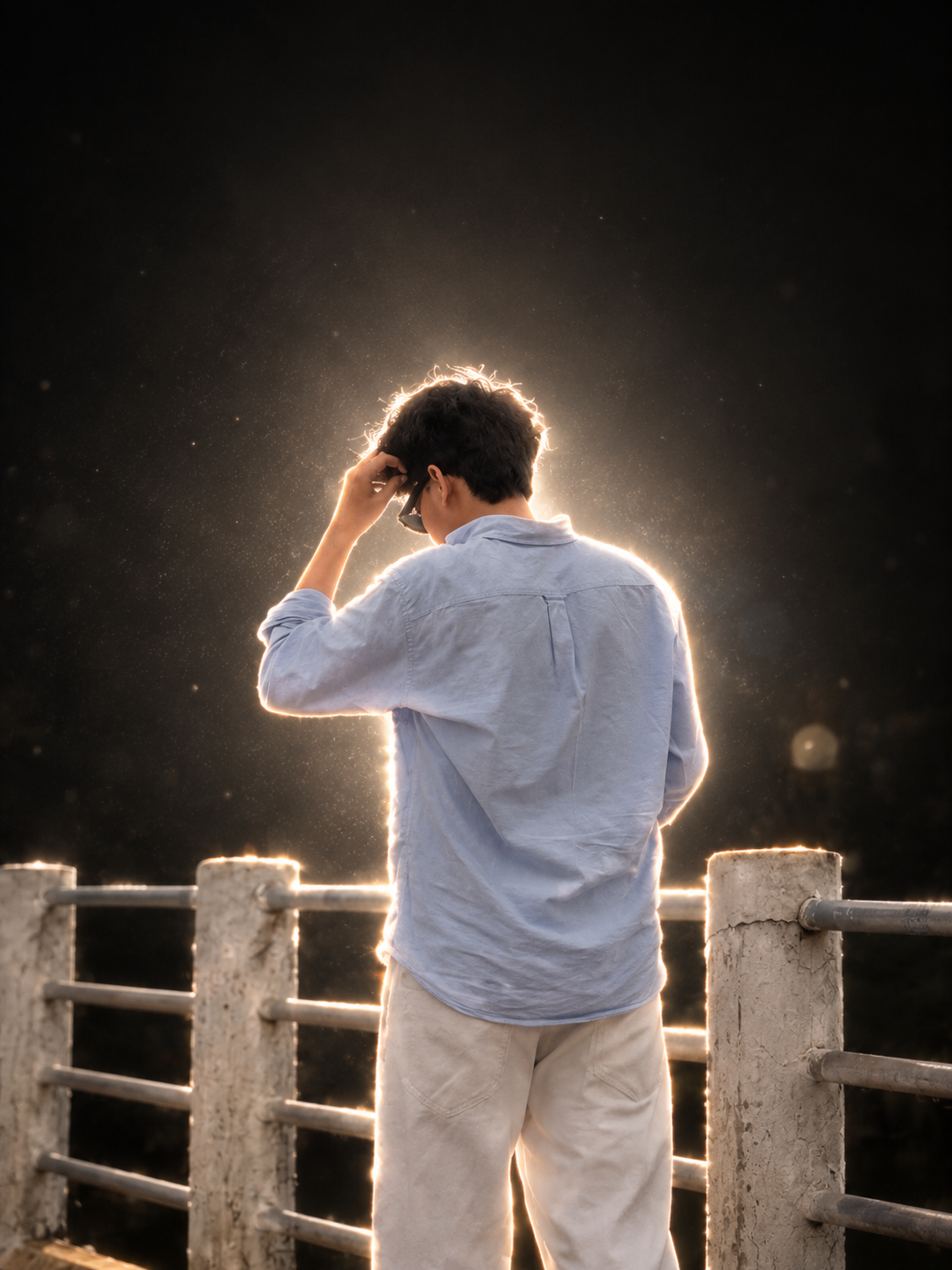
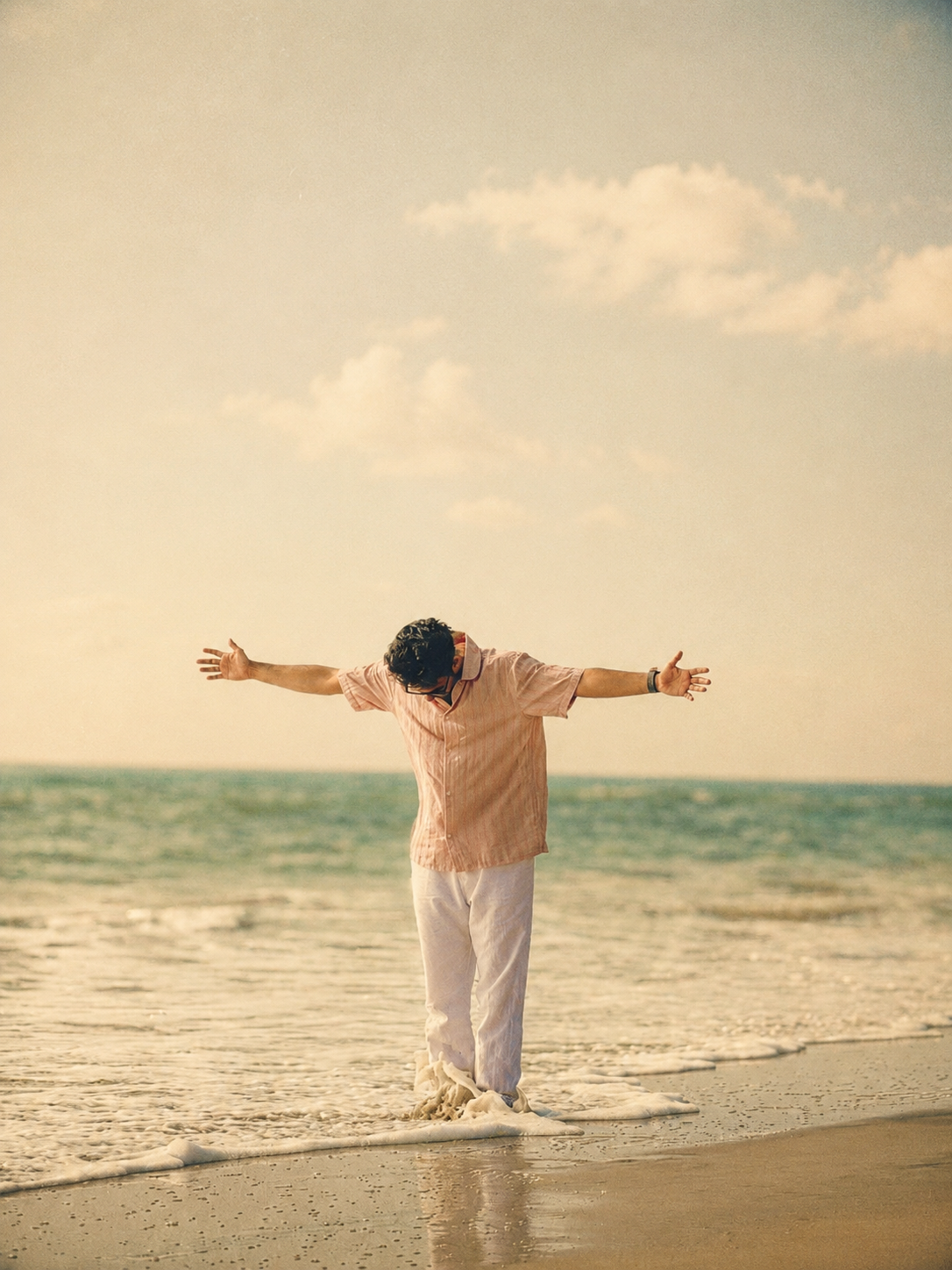
Sometimes the photo is good, but the background looks a little boring? The simple idea behind this prompt is the same. Keep the person exactly the same and just change the scene behind them to a sunset. Face, skin tone, hairstyle, clothes, pose, shoes, and body proportions should remain unchanged.
The background includes a warm orange sky, golden clouds, a soft sun near the horizon, and a light atmospheric haze. The lighting should also look natural so the person doesn’t appear pasted into the photo.
This prompt is especially useful for photos where the subject is already perfect, but the sky or background is dull. A quick tip: Background replacement and natural blending are better if the reference image is clear and properly lit. The subject’s edges, especially the hair and shoulders, should be clean.